
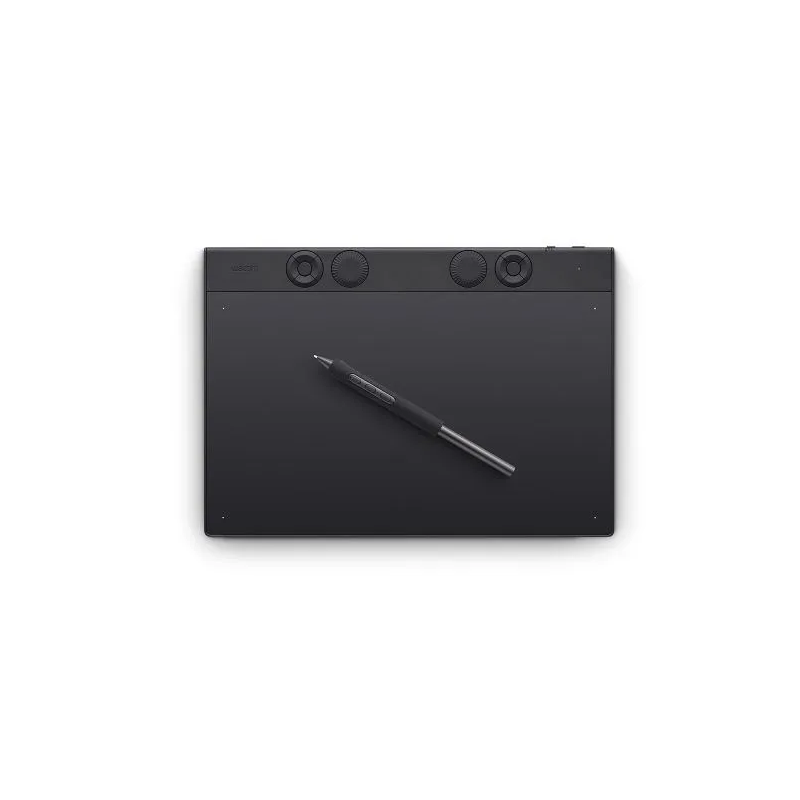
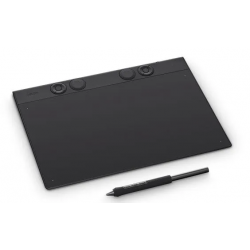
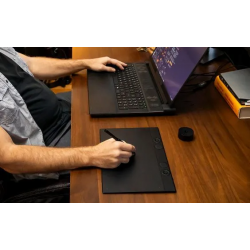
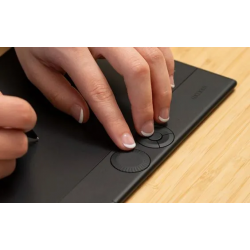
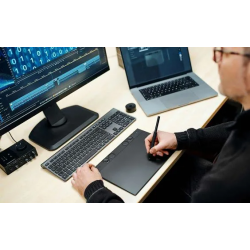
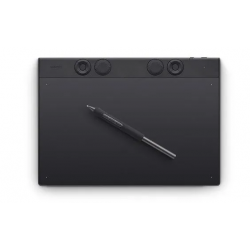
Create with unmatched quality and experience a seamless flow with Intuos Pro—the professional’s choice in drawing tablets. Harness the power of decades of industry expertise with Intuos Pro—a tool designed to meet your creative needs with exceptional durability, precision, and efficiency, so you can create professional-grade results. Ergonomically crafted for long hours and trusted by top artists worldwide, Intuos Pro’s redesigned features minimize interruptions, letting you fully immerse in your workflow. This is more than a drawing tablet; it’s the definitive tool for creators who seek the best in quality, consistency, and control.
FULL TECHNICAL SPECIFICATIONS
Active area (inch) 10.4 x 5.8 in
Active area (mm) 263 x 148mm
Pen Specification
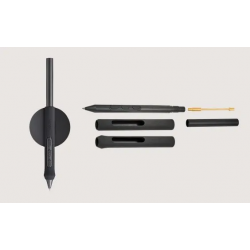
Pen name Wacom Pro Pen 3
Pen resolution 5080 lpi
Pen technology Patented electromagnetic resonance method
Pen pressure levels 8192
Pen type Pressure-sensitive, cordless, battery-free
Pen tilt supported ± 60 degrees
Number of switches 3 side switches
Number of nibs 10 Pro Pen 3 nibs (5 standard nibs, 3 felt nibs and 2 rubber nibs in pen stand)
Touch Specification
Multi-Touch No
Other Features
Kenington Lock Slot No
Dimensions And Weight
Product weight (kg) 411g
Product dimensions (L x W x H) (mm) 291 x 206 x 4~7mm
Product dimensions (L x W x H) (inch) 11.5 x 8.1 x 0.16~0.28 in
Product weight (lbs) 14.50 oz
Ergonomic
Built-in stand adjustability No
System Requirements
Hardware requirements
USB port, Bluetooth Low Energy for wireless connection. Internet access to download driver* and select downloadable software**.
*Download and installation of driver is required to make product work.
** Wacom ID and product registration required. Agreement to Terms of Use and respective license agreement from bonus software companies required.
System requirements
Windows 10 or later (latest service pack/build)
macOS 13 or later
USB-A port* for Mac, you may require an adaptor to connect to USB-C
Bluetooth® for wireless connection.
Internet connection to download driver* and software
Create with unmatched quality and experience a seamless flow with Intuos Pro—the professional’s choice in drawing tablets. Harness the power of decades of industry expertise with Intuos Pro—a tool designed to meet your creative needs with exceptional durability, precision, and efficiency, so you can create professional-grade results. Ergonomically crafted for long hours and trusted by top artists worldwide, Intuos Pro’s redesigned features minimize interruptions, letting you fully immerse in your workflow. This is more than a drawing tablet; it’s the definitive tool for creators who seek the best in quality, consistency, and control.